About This Documentation
Overview of the e-Boost Realm documentation site — what it covers, how it is organized, and how to use it.
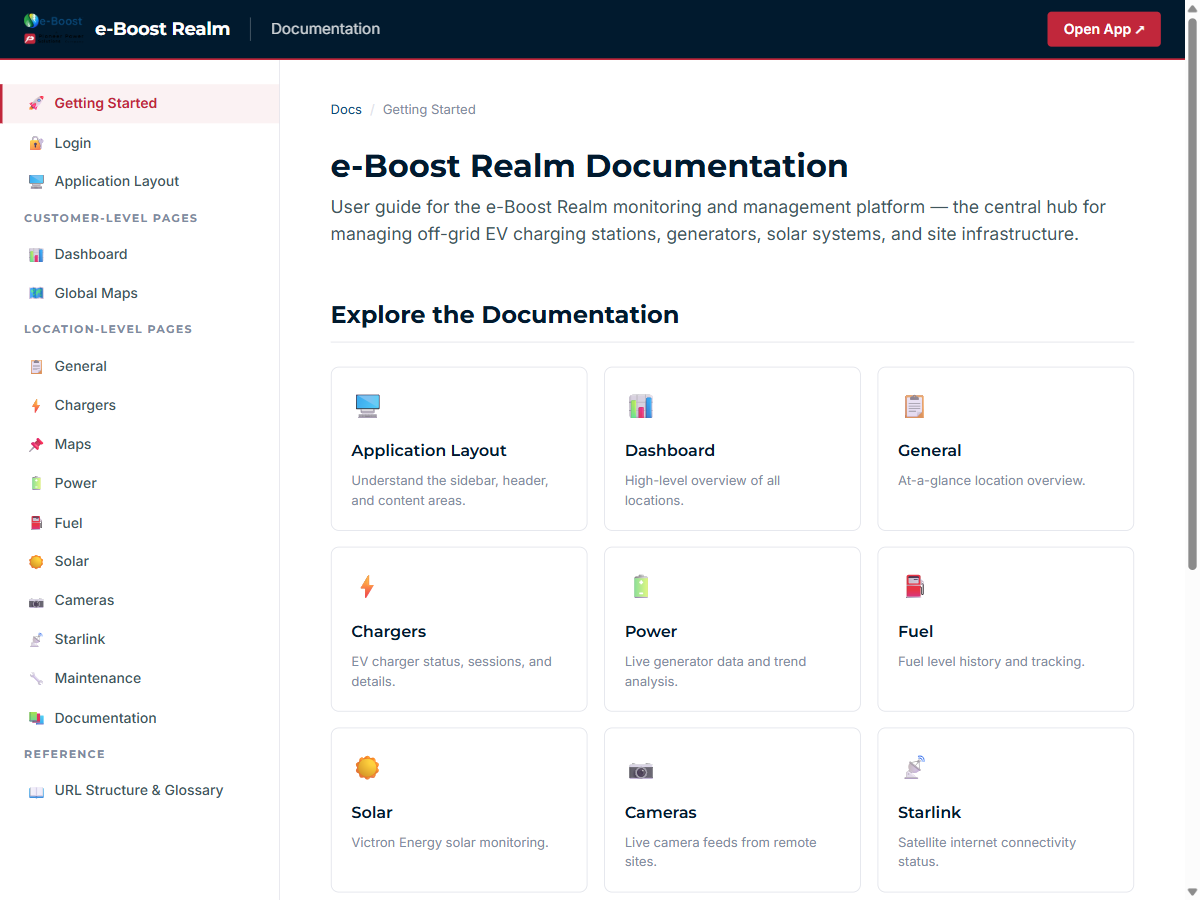
Documentation homepage — Getting Started page with sidebar navigation and documentation card grid
Purpose
This documentation provides a complete user guide for the e-Boost Realm monitoring and management platform. It is designed to help operators, field technicians, and administrators understand every feature of the application — from real-time generator telemetry to AI-powered security cameras.
What This Documentation Covers
| Section | Description |
|---|---|
| Login | How to sign in using username/password or Microsoft SSO |
| Application Layout | The sidebar, header bar, content area, and navigation structure |
| Dashboard | Customer-level overview of all locations with status summaries |
| Global Maps | Interactive map showing all customer locations |
| General | Location-level overview with weather, telecom, fuel, generators, chargers, and settings |
| Chargers | EV charger status, active sessions, energy delivery, and session history |
| Maps | Location-specific map view |
| Power | Live generator telemetry, status indicators, sensor values, and trend analysis |
| Fuel | Propane tank level monitoring and historical consumption data |
| Solar | Victron VRM solar/battery dashboard with energy flow visualization |
| Cameras | Frigate NVR with AI object detection, event review, and video export |
| Starlink | SpaceX Starlink satellite internet connectivity and performance |
| Maintenance | Maintenance tickets, scheduled tasks, and service history |
| URL Structure & Glossary | Technical reference for URL patterns and terminology |
How to Use This Documentation
- Use the sidebar on the left to navigate between pages. On mobile, tap the menu icon to open it.
- Each page documents a specific section of the e-Boost Realm application with screenshots, tables, and descriptions.
- Use the Previous / Next links at the bottom of each page to read through the documentation in order.
- The URL Structure & Glossary page provides definitions for technical terms and abbreviations used throughout.
Version
| Item | Value |
|---|---|
| Application Version | v2.2.0 |
| Documentation Last Updated | February 24, 2026 |
| Application URL | app.eboostmobile.com |