Login
How to sign in to e-Boost Realm using your username/password or Microsoft SSO.
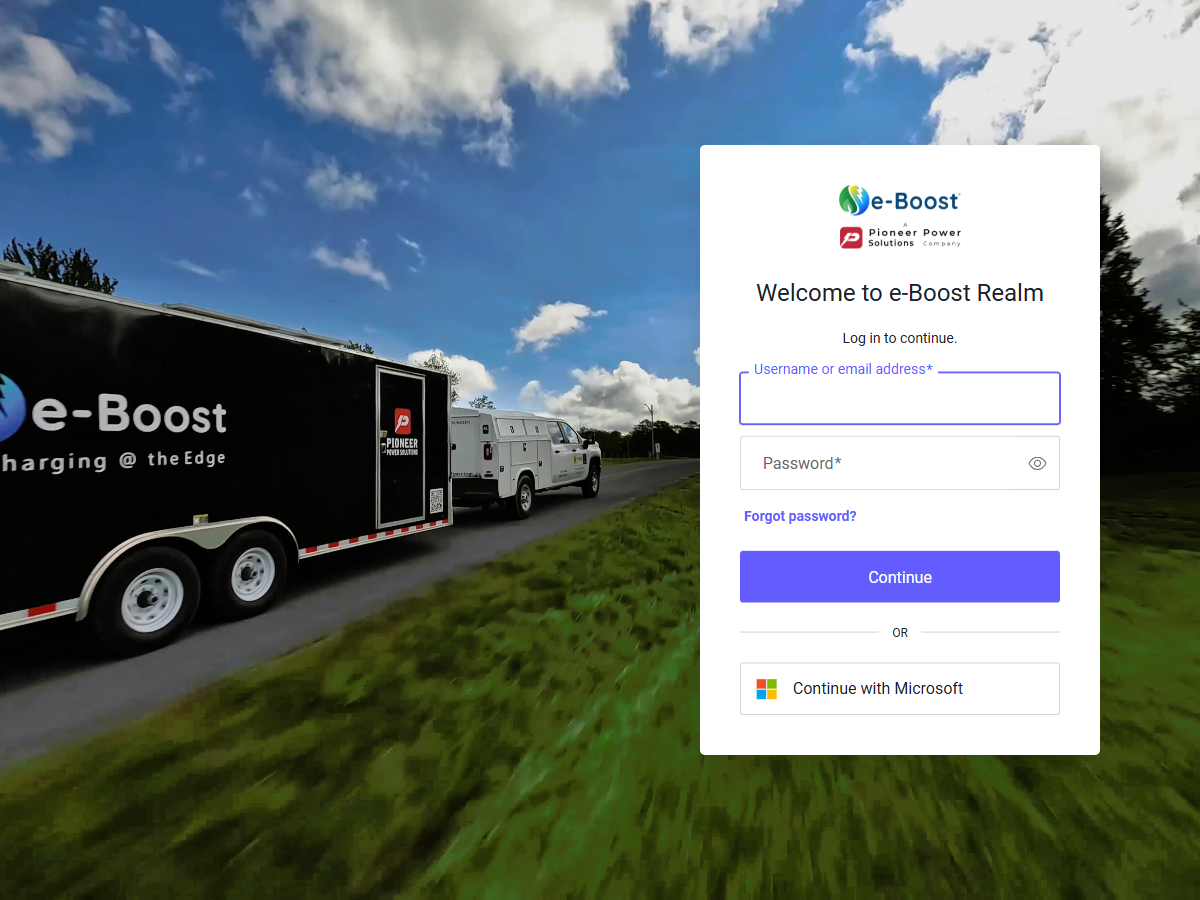
Login page — Auth0 authentication screen with username/password fields, forgot password link, and Microsoft SSO option
Application URL
Access e-Boost Realm at https://app.eboostmobile.com. You will be redirected to the login screen if you are not already authenticated.
Username & Password Login
The login page is powered by Auth0 and presents the "Welcome to e-Boost Realm" screen.
- Enter your username or email address in the first field.
- Enter your password in the second field. Use the "Show password" toggle to verify your input.
- Click Continue to sign in.
| Field | Description |
|---|---|
| Username or email address | Your assigned username (e.g., champlin) or your full email address |
| Password | Your account password. Passwords are case-sensitive and support special characters (e.g., $, !, @). |
| Continue | Submits the login form and authenticates your session |
| Forgot password? | Link to initiate a password reset via email |
Microsoft SSO Login
If your organization uses Microsoft for identity management, you can sign in using your Microsoft account:
- Click the Continue with Microsoft button on the login page.
- You will be redirected to the Microsoft sign-in page.
- Enter your Microsoft credentials and complete any multi-factor authentication (MFA) prompts.
- Once authenticated, you will be redirected back to e-Boost Realm.
💡 First-Time Microsoft SSO
The first time you use Microsoft SSO, you may be asked to grant consent for e-Boost Realm to access your profile information. This is a one-time step required by your organization's Azure AD configuration.
After Login
Once authenticated, you will land on the Dashboard page. Use the header dropdowns to select a customer and location to begin monitoring. See Application Layout for details on navigating between sites.
⚠️ Session Expiry
Your session will expire after a period of inactivity. When this happens, you will be redirected back to the login page. Simply sign in again to resume.